Live
Practising together on the whiteboard
You set up a game on the whiteboard over the material you choose — the times tables for 6, 7 and 8, say. Every pupil joins in on their own laptop, with their own sums, at their own level. What was practised shows up afterwards: with the class, not on a screen that disappears.
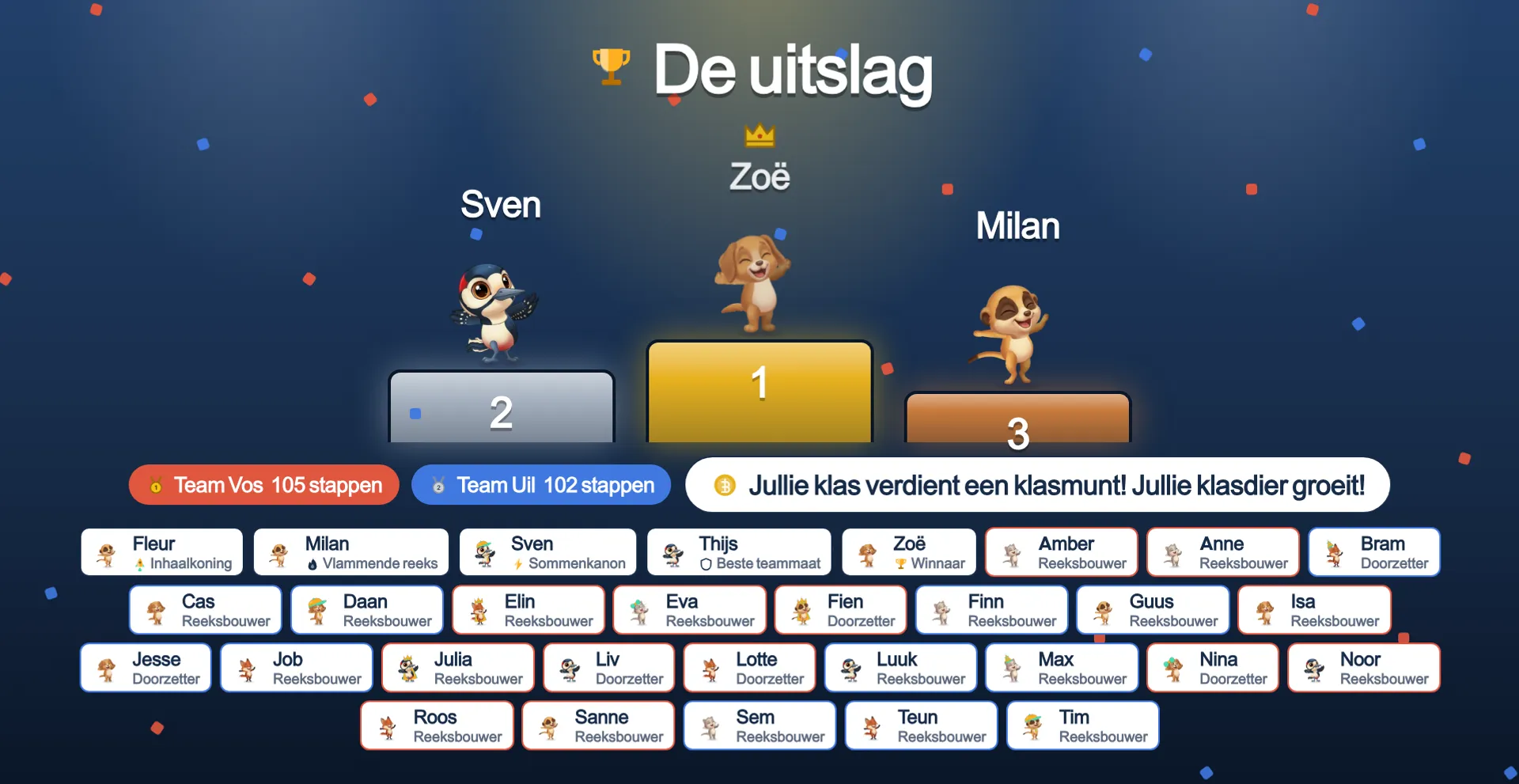
Live
This is what your class sees on the board
No drawing and no demo — this is the board as it actually runs, photographed mid-round.
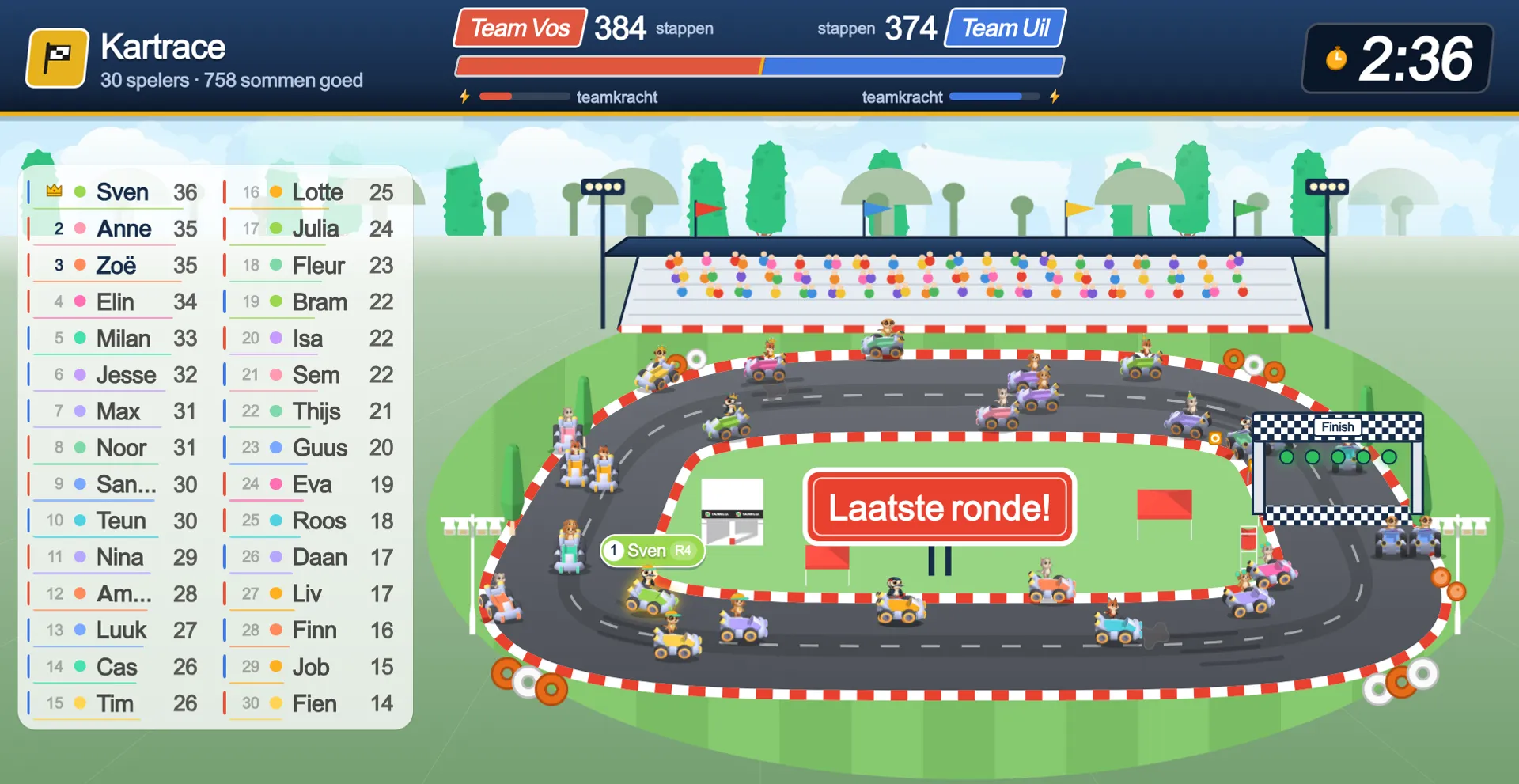
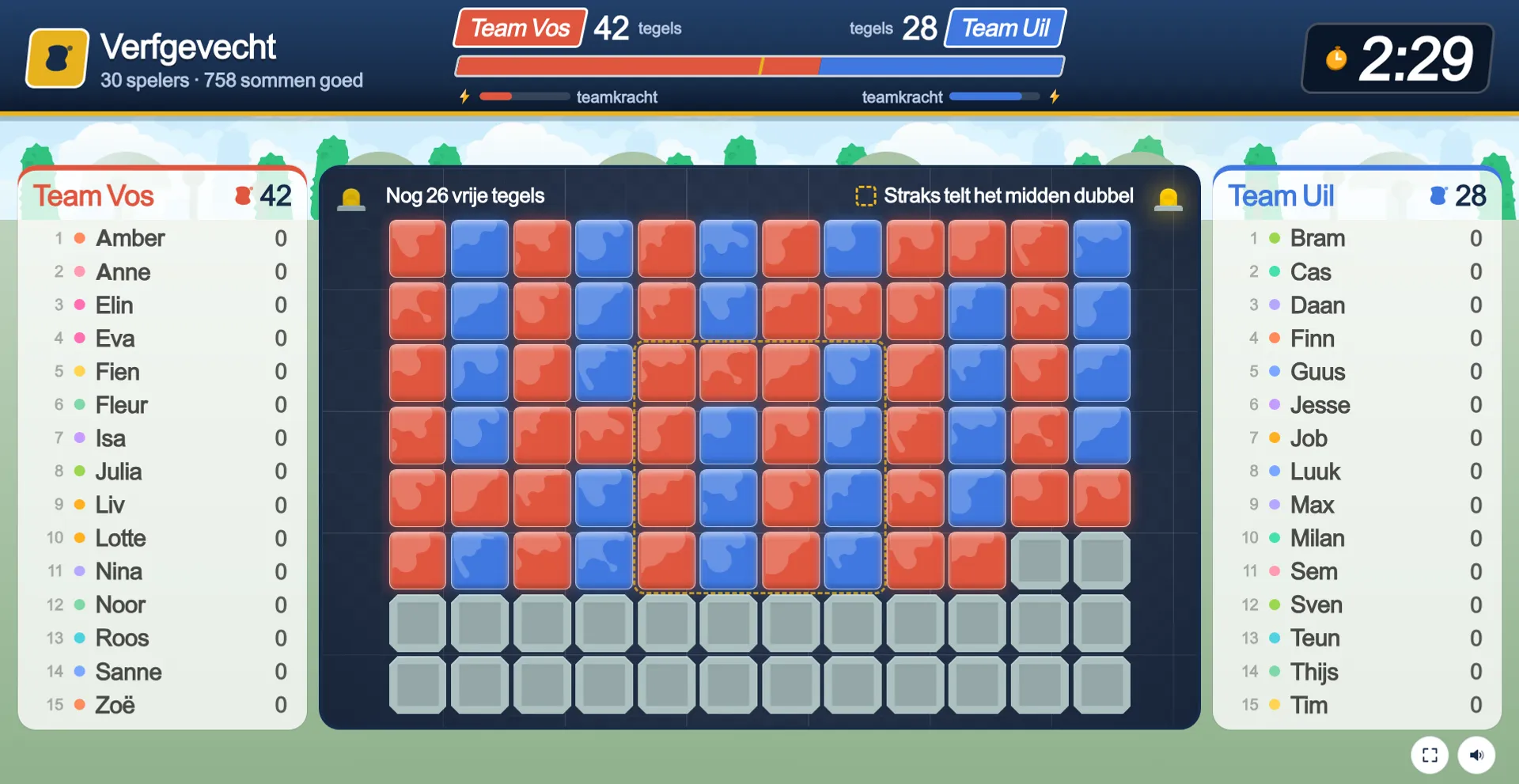
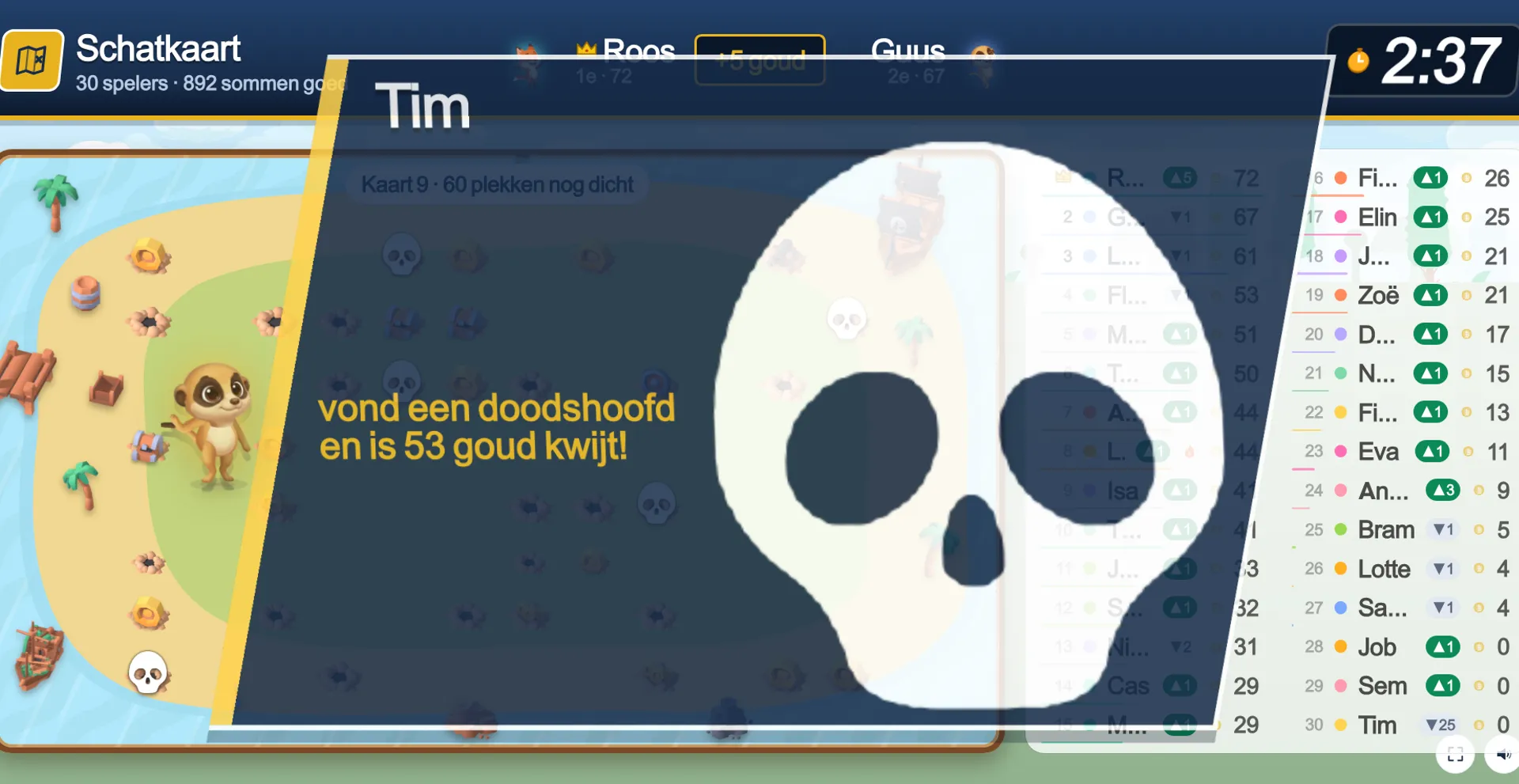
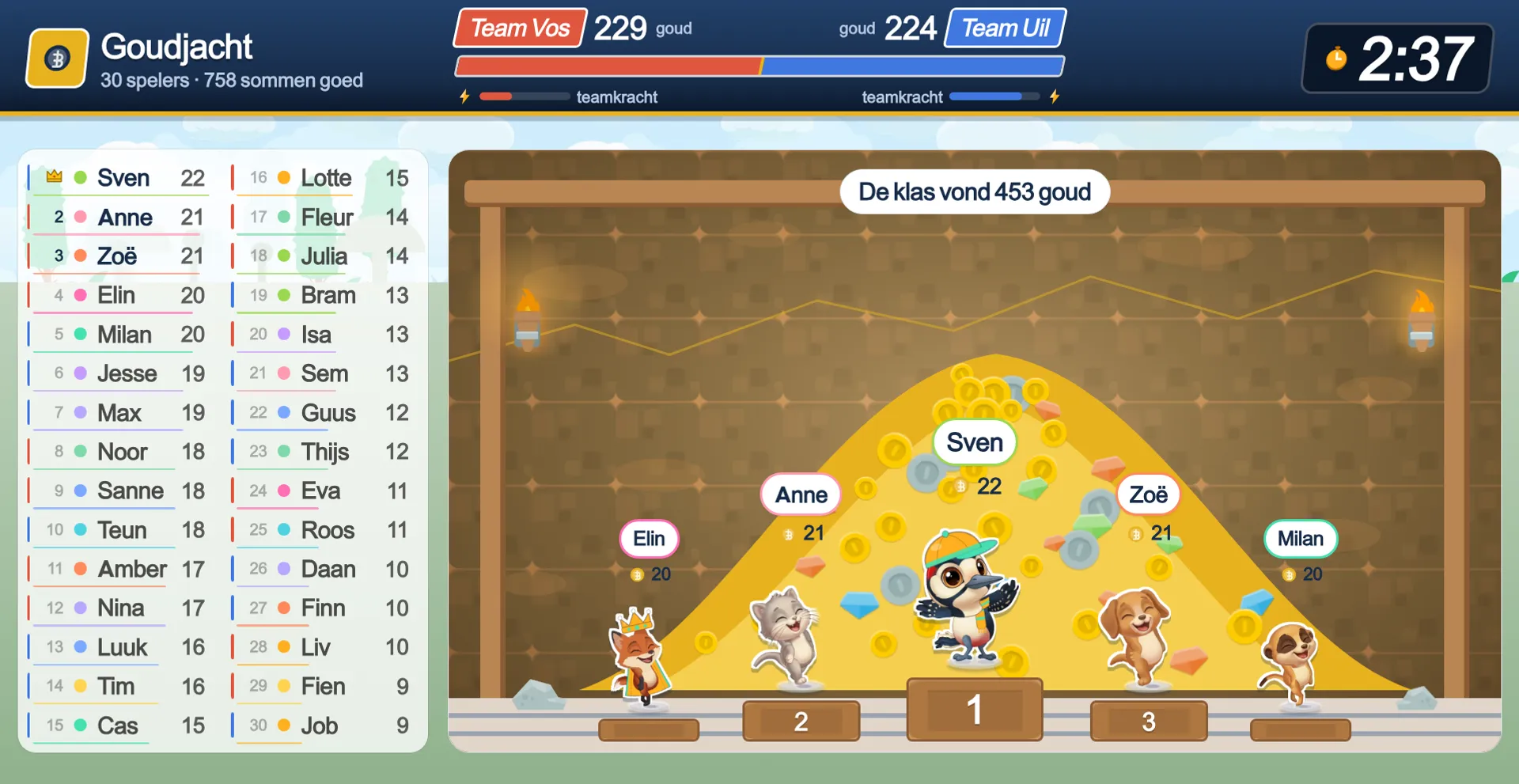
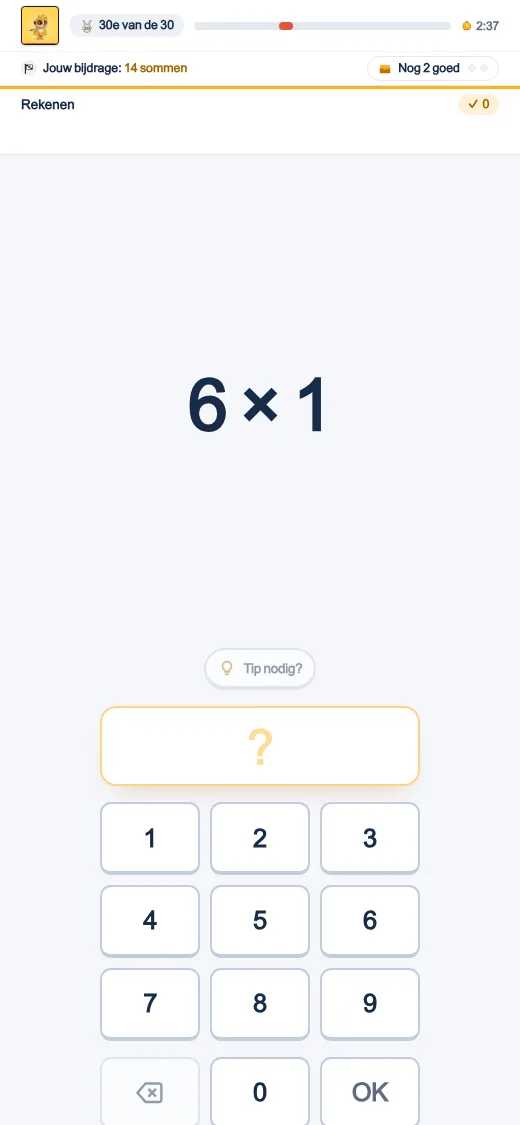
This is what your class sees on the board
Sign in with your school email address, make a class and add your children — and your class plays this tomorrow.
What a class sees
The board is the spectacle, the laptop is the practice
On the board
A world with animals that run, jump and cheer — one animal per pupil, with their first name beside it. No questions on the board: the board is the playing field, not the screen the sums happen on.
On the laptop
The ordinary sprint, in the same sterile style as any other day — typing, pointing, setting the clock hands. A thin bar at the top shows how you are doing: your animal, your items, the clock.
On a mistake
The red screen, the worked example, the sum that comes back — exactly as any other day. The board shows no crosses; a mistake is something between the child and their own laptop.
The game modes
One item system, fifteen ways to play
Kart race
Solo or in teams: every correct answer is a step along the track, and every animal drives its own kart. Whoever is behind gets the stronger items, and the standings can still flip in the final lap.
The Mountain
Cooperative, with the whole class: one procession of animals climbs together, and every correct step is a rung higher.
Gold Rush
Solo, driven by luck: every animal digs its own mine, and every correct sum opens a chest of gold — or a surprise.
Paint Battle
Team competition: every correct answer colours a tile in the team colour, and whoever holds the most tiles when time runs out wins.
Treasure Map
Cooperative: the class uncovers a hidden picture tile by tile — the subject's own animal, in a scene.
Fishing
Solo, driven by luck: every correct answer casts the line, and the fish that bites is small, big, or gold.
Balloon Ride
Solo or in teams: every animal rises in its own hot-air balloon, and the first one above the clouds wins.
Rocket
Cooperative: the class fuels the rocket with every correct answer and launches together before time runs out.
Robot Arena
Two teams, two giant robots. Every child picks a role — strike, shield, repair or the super move — and the team that works together knocks the other out.
Conquerors
Two teams and seven planets. Every child picks the planet their energy goes to; whoever conquers a planet scores points with it every second.
Dragon Island
Every child for themselves on an island full of mist. Each one chooses where to walk, finds gems, chests and dragon eggs, sets traps for others — and in the final minute the dragon wakes up.
Building Site
Two to four teams each build a block of flats with their own excavator, cement mixer and tower crane. Every correct answer lifts the building higher — with a wrecking ball, scaffolding, a concrete pour and a power cut after which everything shoots up at once.
Dino Dig
Two teams, two giant excavators, a jungle full of dinosaurs. Dig deeper layer by layer and find ammonites, T. rex teeth and bones for a whole skeleton — while pterosaurs fly overhead, a T. rex attacks and the volcano erupts in the final minute.
Why competition is allowed here
Everyone at their own level, everyone counts the same
Every child gets their own sums from the same material, at their own level — exactly what the app already does. A correct answer is therefore always one step for the game, whether the sum was easy or hard. That is where Kahoot and games like it fall short: the best mathematician always wins, and for the rest of the class joining in is an announced loss rather than a contest. Here every child has roughly the same chance, and only then is competition allowed.
Competition through items, and the final lap
A run of correct answers opens a chest with an item — a burst of speed, a shield, a swap of places — and whoever is furthest behind gets the strongest one. In the last minute, steps count double: whoever is ahead has to keep working, whoever is behind can still win. No item ever touches another child's sums; items act on the game, never on a classmate's laptop.
On the TV
On a television too, next to the whiteboard
The board works on whatever screen a teacher has to hand: cast the tab from Chrome, share the screen over AirPlay from a Mac or iPad, or type oefenen.app/tv and the board code on the television itself. No separate receiver needed — it is the same board page, just lighter, without 3D.
- Chrome: open the tab and choose Cast.
- AirPlay: share the screen from a Mac or iPad to an Apple TV.
- Or type oefenen.app/tv and the code on the television itself.
At home
Live works without a class too
From the parent dashboard you start the same game as a family session: you manage it, and your children join by picking their own name — no code, no second account. Instead of a class report you get a family report, and instead of a class coin a family coin. Same rules, same fairness.
Afterwards
What you see
The game standing — who was ahead, who held which item — disappears the moment the game ends. What stays sits with the class:
- A report per child: which sums, how many correct, and what moved from red toward green.
- A class picture per block: where the class stood, before and after.
- A button to a worksheet on the same material, and a button for another round.
- A class coin and growth for the class pet — a reward for the class, never a coin for the child.
One class, on the laptops you already have
No extra account, nothing to install: your pupils are already signed in to the app they use every day. Set up a session from the class screen, and within a minute the class is on the board.